Salon and spa software
Your whole salon, in one calendar.
Customers book online from Instagram and WhatsApp. Reminders go out on their own. Every visit ends with one clear bill, paid online or at the desk.
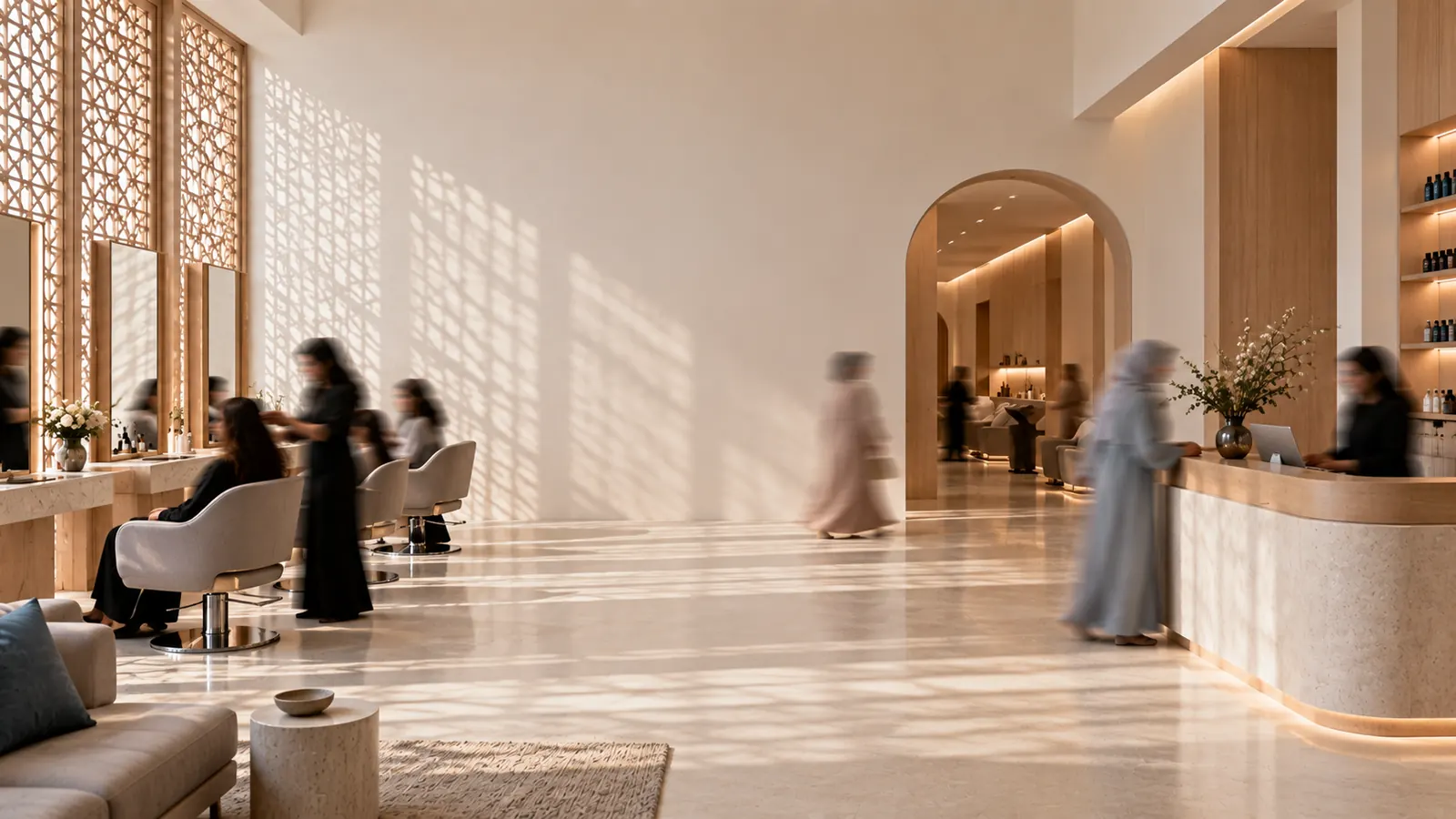
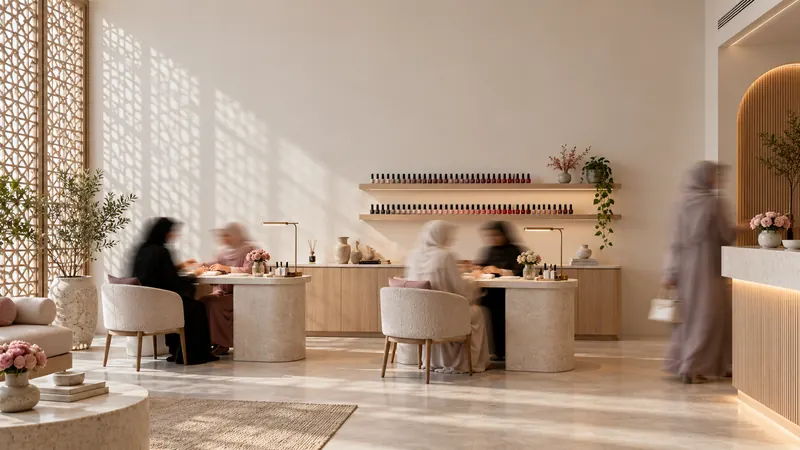
From booking to paid, without the back-and-forth.
What happens when a customer books with you.
They book from your Instagram
Put your booking link in your bio or send it on WhatsApp. Customers choose a service, a stylist and a time.
It lands on your calendar
The booking appears right away under the right stylist, with any deposit already marked.
Reminders go out on their own
WhatsApp and SMS reminders go out before every visit, so fewer appointments are missed.
One clear bill at checkout
Services, packages, gift cards and the deposit on one ticket, paid by card or cash.
Everything the front desk needs.
One system for the whole day, from the first booking to the last receipt.
See the whole day at a glance
- Every stylist side by side, by day or by week.
- Move or extend a booking without double-booking anyone.
- Walk-ins, breaks and blocked time in the same view.

Built for how your city books.
Made for local salons from day one, not translated from somewhere else.
Your language, both directions
Every screen, message and receipt reads right to left and left to right. Each customer picks their language.
Your currency, to the last decimal
Prices, deposits and reports in your local currency, even with three decimals.
Local payment methods
Take deposits online through your local payment gateway, then get paid at the desk by card or cash.
WhatsApp and SMS
Confirmations and reminders where your customers already are.
Made for beauty, and businesses like it.
Adorna started with salons. It works the same way for any business that runs on appointments.
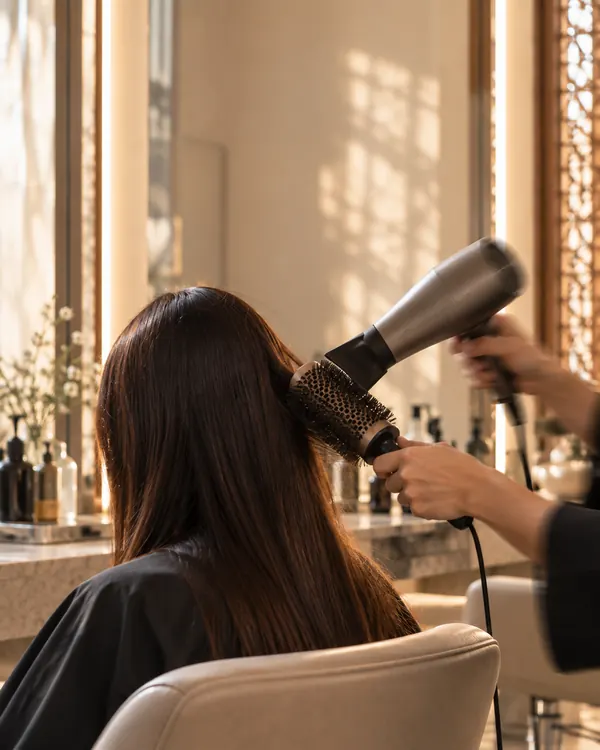
Hair salon
Colour, blow-dries and bridal days, each with the time it needs.
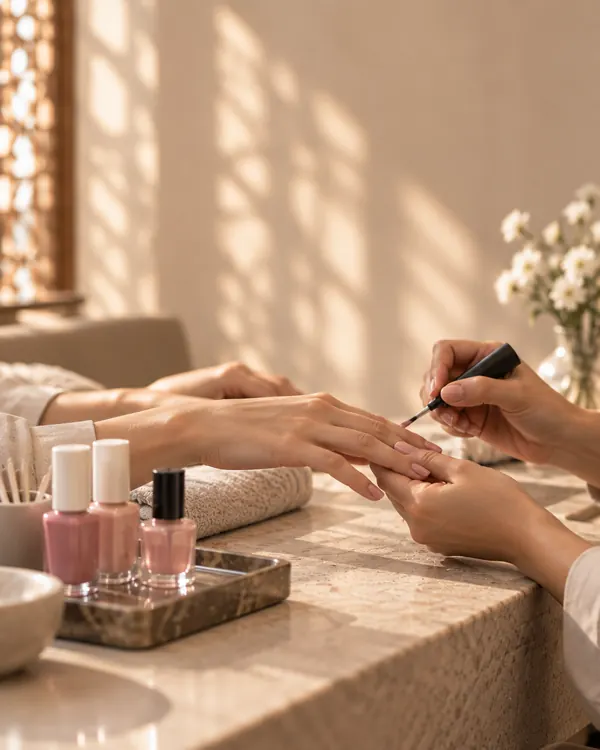
Nail studio
Quick sets back to back, with deposits so no chair sits empty.
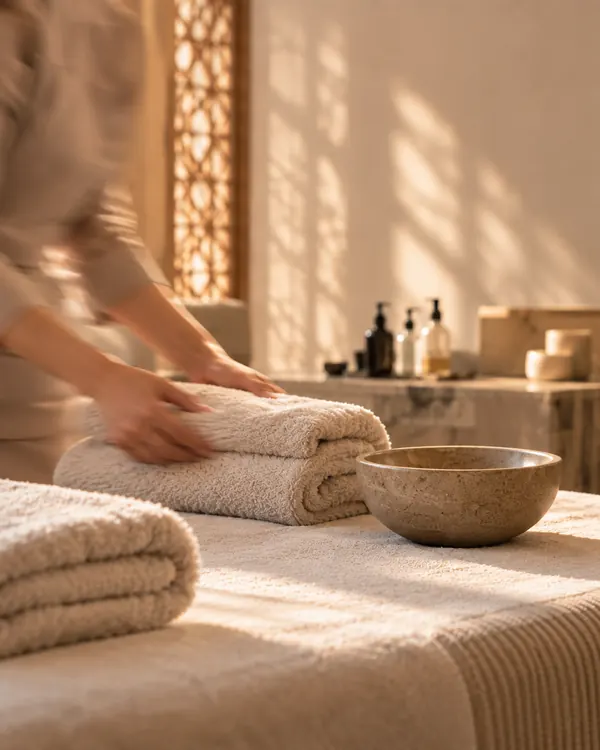
Spa
Rooms, beds and therapists booked together, with packages tracked.
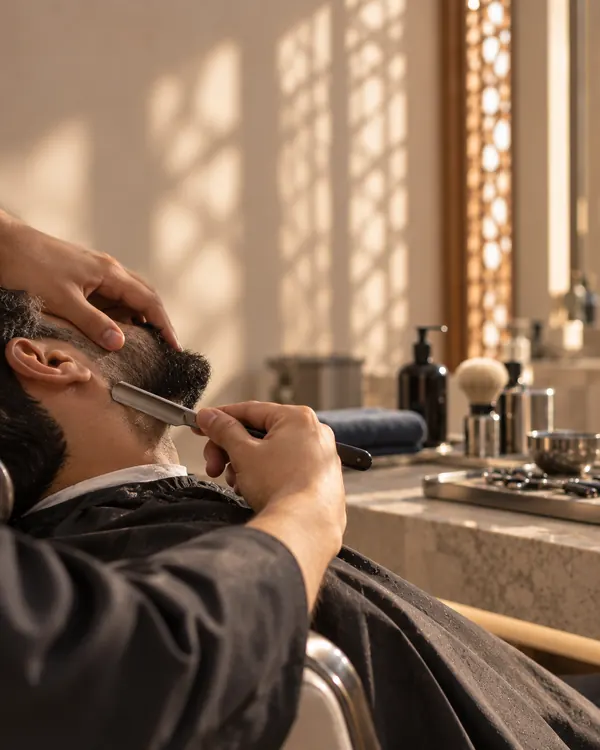
Barbershop
Walk-ins and bookings on one calendar, chair by chair.

Fitness & recovery
Training and recovery sessions, packages and weekly bookings.
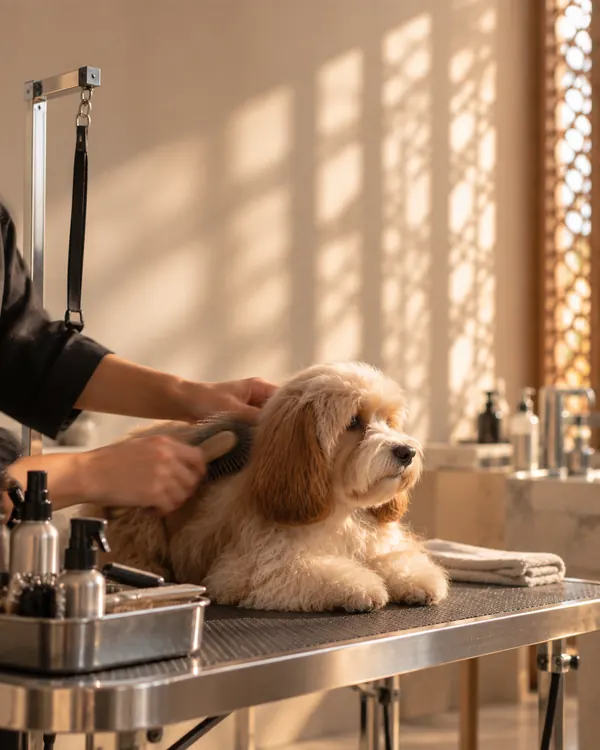
Pet grooming
Pet profiles, groom times by size, and deposits that scale with the groom.
Getting started is a conversation.
We walk you through it, from the first call to your first online booking.
We call you
We learn how you work and show you Adorna with your own services.
We open your account
We set up your workspace and send you a link on WhatsApp or email.
You finish setup
Set a password, add your hours and services, and preview your booking page before it goes live.
Questions owners ask